

Context Windows, AI Memory, and Why Your Conversations Still Get Messy
AI products may offer memory, but models still work from limited context. Learn the difference between context windows, saved memory, chat history, and structured conversation maps.
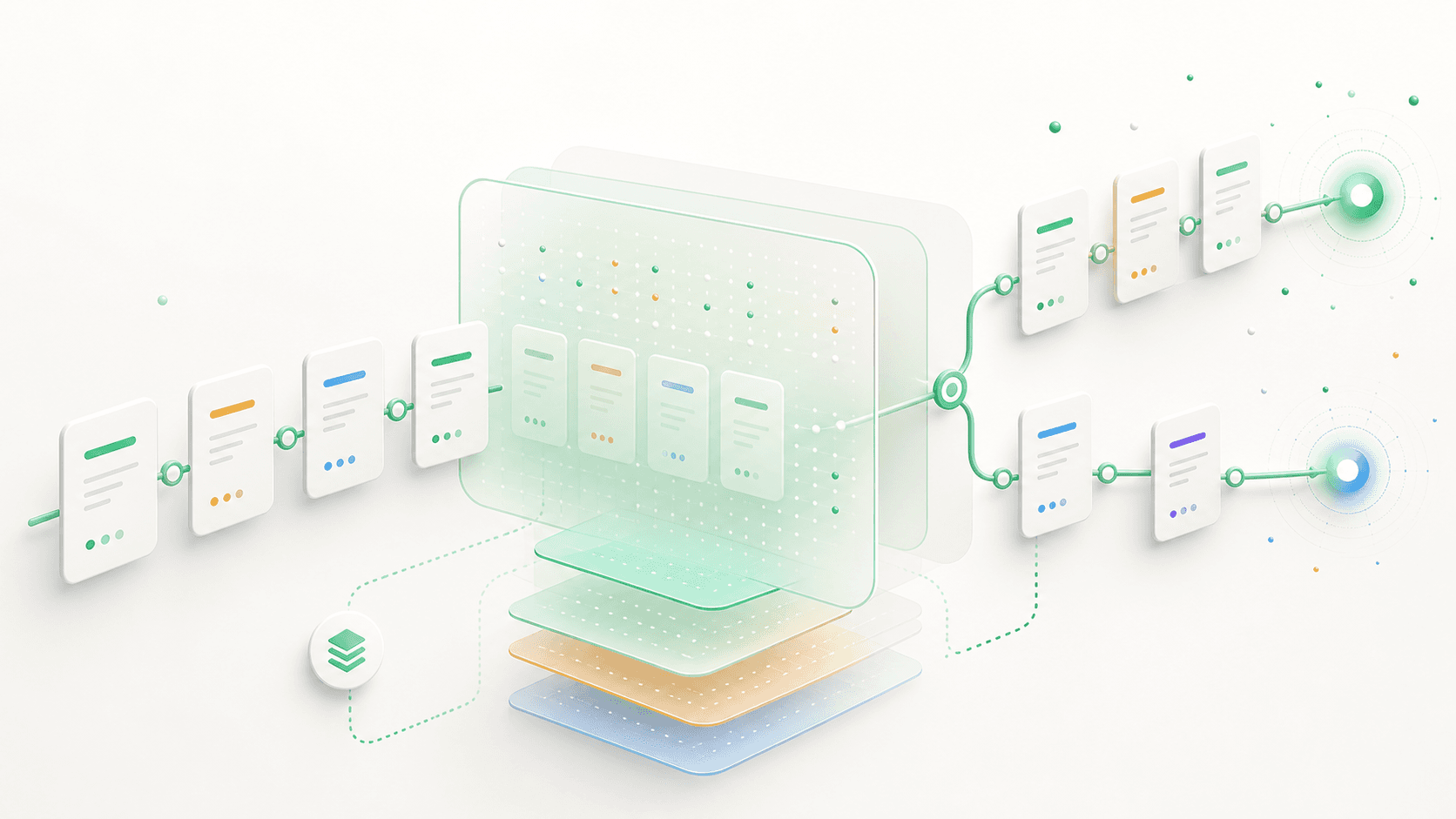
AI memory is confusing because people use one word for several different things.
When an AI "remembers" something, it might mean:
- The current conversation is still inside the model's context window.
- The product saved a preference or fact about you.
- The product can reference previous chat history.
- You manually provided files, notes, or project instructions.
- The interface preserved a path through your work.
Those are related, but they are not the same.
What a Context Window Is
A context window is the amount of text the model can use while generating an answer. It includes your recent messages, system instructions, tool results, uploaded content, and anything else the product includes in the request.
If something is outside that window, the model cannot reason from it unless the product retrieves and inserts it again.
Larger context windows help. They let the model consider more text at once. But they do not automatically solve the problem of organizing a long piece of work.
What Product Memory Is
Many AI products now have memory features. They may remember preferences, personal details, or useful facts from past conversations. Some can also reference previous chat history.
That is useful, but it is different from having a clean map of a specific project conversation.
Memory might know that you prefer concise answers. It might remember that you are building a SaaS. It might not know which pricing path you explored last Tuesday, why you rejected it, or which objection changed your mind.
Memory helps with personalization. Structure helps with work.
Why Long AI Work Still Breaks Down
Even with memory, long AI work can become messy:
The thread mixes too many directions. Research notes, objections, drafts, and side ideas end up in one scroll.
The important decision point is buried. You remember that the conversation changed direction somewhere, but you cannot quickly see where.
Alternatives are hard to compare. Two answers might be separated by dozens of messages.
Setup gets repeated. When you open a new chat, you often restate the project, constraints, and desired format.
The issue is not only forgetting. It is navigability.
How Conversation Maps Help
A conversation map gives your work a shape. Instead of treating every message as the next item in a single stream, it lets important moments become starting points for new paths.
For example:
- You establish the project context.
- The AI gives a broad answer with several options.
- You open one path for option A.
- You open another path for option B.
- You compare both paths.
- You synthesize a final recommendation.
The earlier context is still available. The alternatives stay separate. The final decision has a visible trail.
Practical Context Principles
Use these principles whether you are using TalkTree or a standard chat interface.
Front-load the important context. Put goals, constraints, and definitions near the start.
Keep setup messages dense. A concise context brief is more useful than a long, wandering introduction.
Separate different questions. If you are testing a new direction, open a new path instead of mixing it into the same flow.
Summarize at decision points. Before moving from exploration to execution, ask for a short summary of what changed and why.
Save reusable outputs. Keep decision memos, final drafts, and key insights somewhere retrievable.
The Real Goal
The goal is not to make AI remember everything. The goal is to make your work understandable when you come back to it.
Context windows help the model answer. Memory helps the product personalize. Conversation maps help you navigate your own thinking.
TalkTree focuses on that third layer: keeping paths, decisions, and synthesis visible.
Try the workflow in TalkTree
Open the demo workspace and explore AI conversations as maps.